
Store
Ranks, Gems and keys
Java & Bedrock · SkyFactory
Ranks, Gems and keys
Meet the community
Thank you for supporting AtlasMC.
 GlaudiooStarter Blueprint9 d ago
 MatnicOGMenagerie Keys10 d agoMatnicOGApex Menagerie Key10 d agoMatnicOGELITE +111 d ago
 manuel123ELITE11 d ago
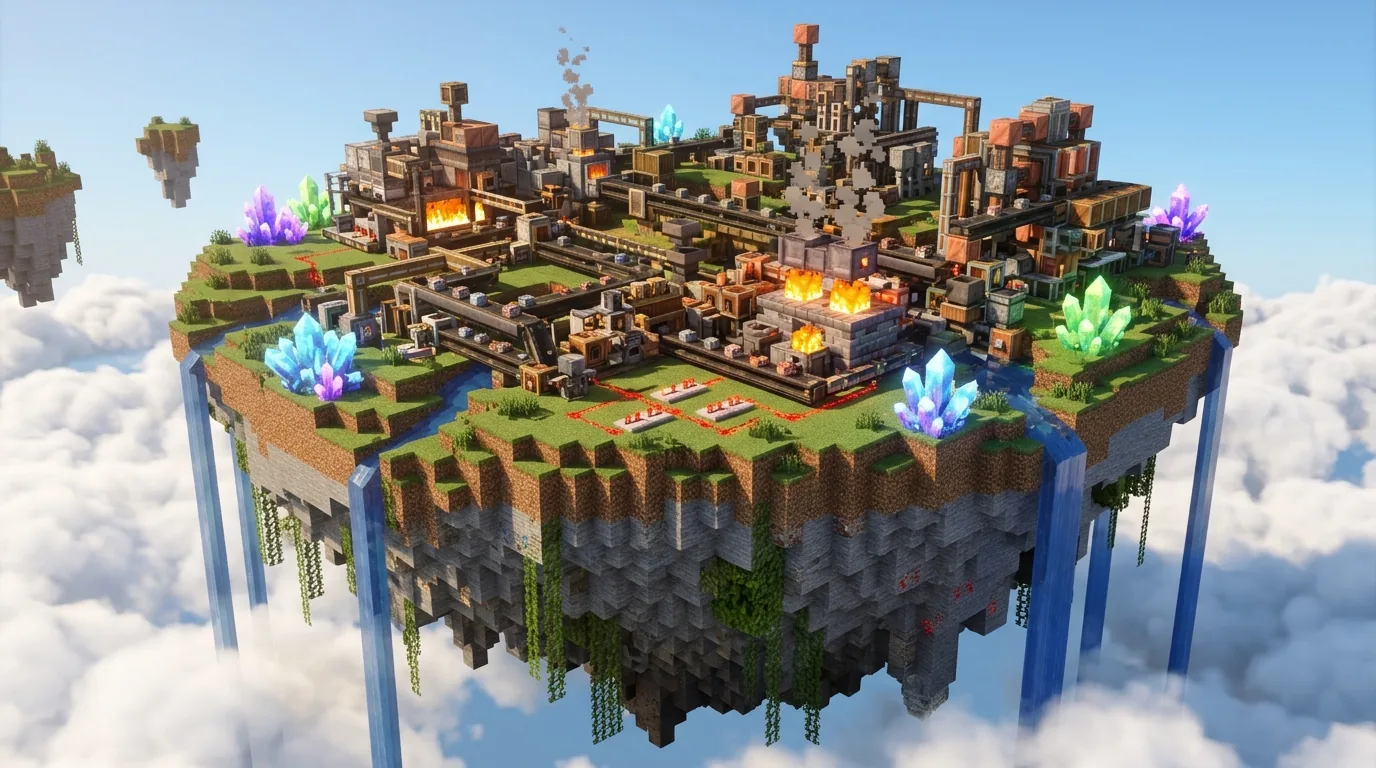
Start on a small floating island. Place machines, connect them and watch your products flow while you explore dungeons and the Resource World.
Everything you need to start, in one purchase.
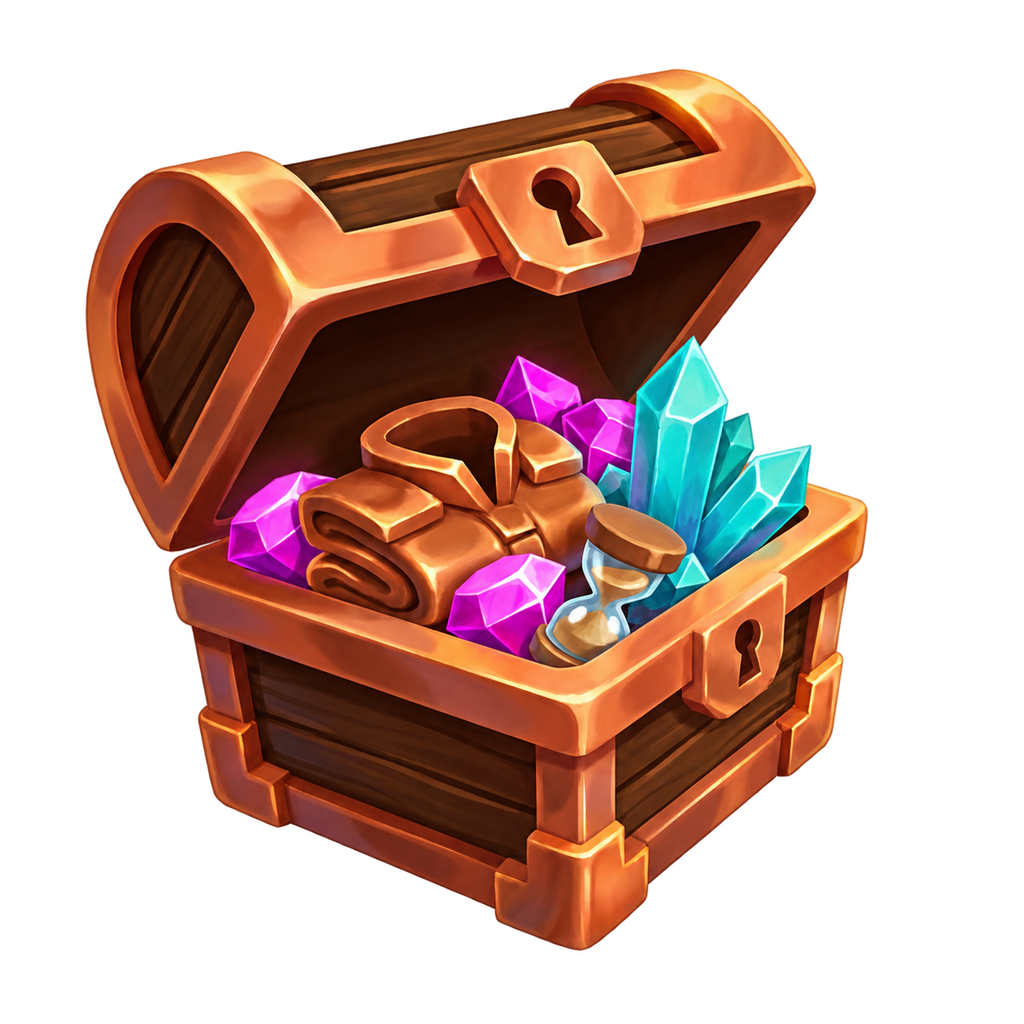
Costs about the same as 600 Gems, but adds 300k Crystals, 11 keys and two boosts.
Bundle · One purchase per account

Bundle · Permanent pets
Bundle · One purchase per account
Bundle · One purchase per account
One payment, yours for good.
Rules, rewards, news and the team behind AtlasMC.
What is allowed

Daily games and codes

Updates and announcements
The people behind AtlasMC
Create with us

Helpers and builders
Works on PC, Mac, phones and Windows.
Java on PC and Mac, Bedrock on phones, tablets and Windows.
Add it as a new server. Bedrock uses port 19132.
Join, pick SkyFactory and follow the guide on your first island.
Open the guide